iPhone & iPad
A full multitrack studio in your pocket.
32 tracks, MIDI, surround to 9.1 and exports that sound like your mix. Recording on iPhone since 2009.

Free download. Unlock All Features is an optional in-app purchase.
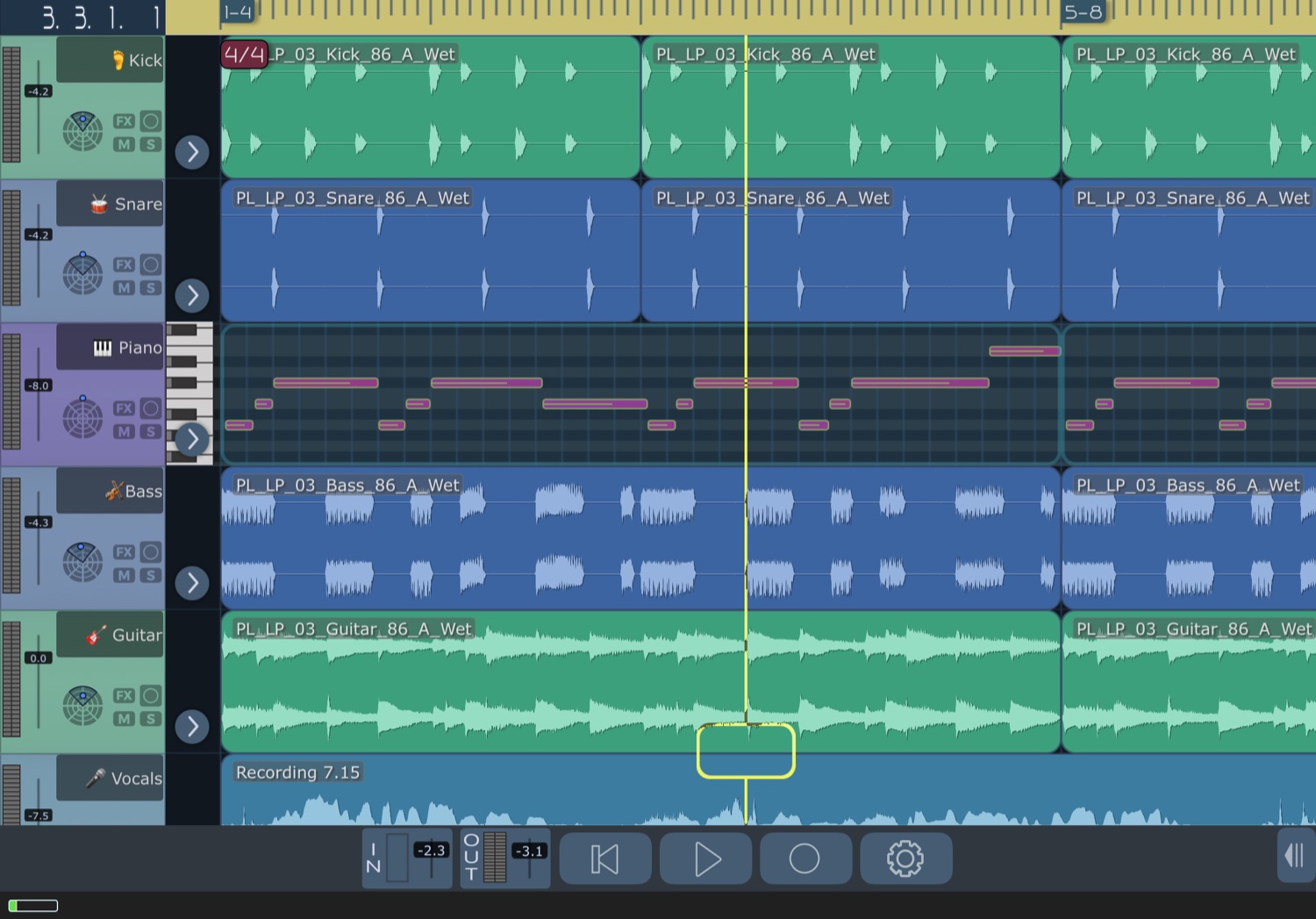
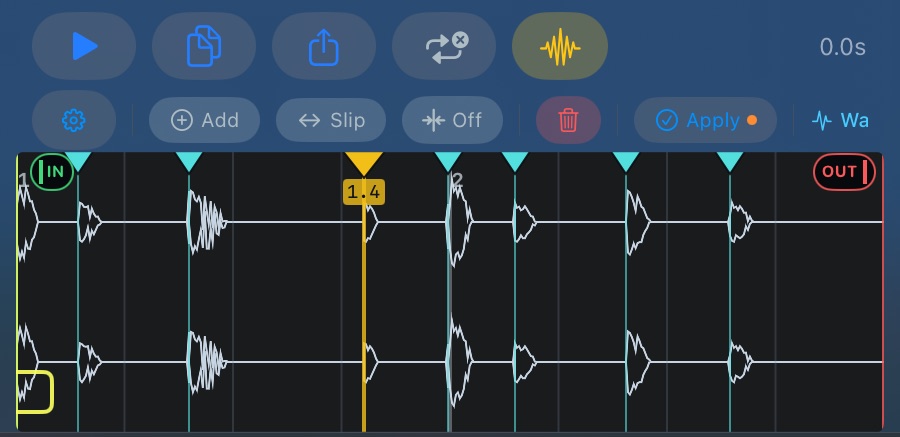
Warp & time stretch PRO
Stretch time. Keep the feel.
Drop in a loop at any tempo, place warp markers on the waveform, and fix the timing without losing the groove. Pitch shifting up to two octaves, with formant preservation, is in every copy.
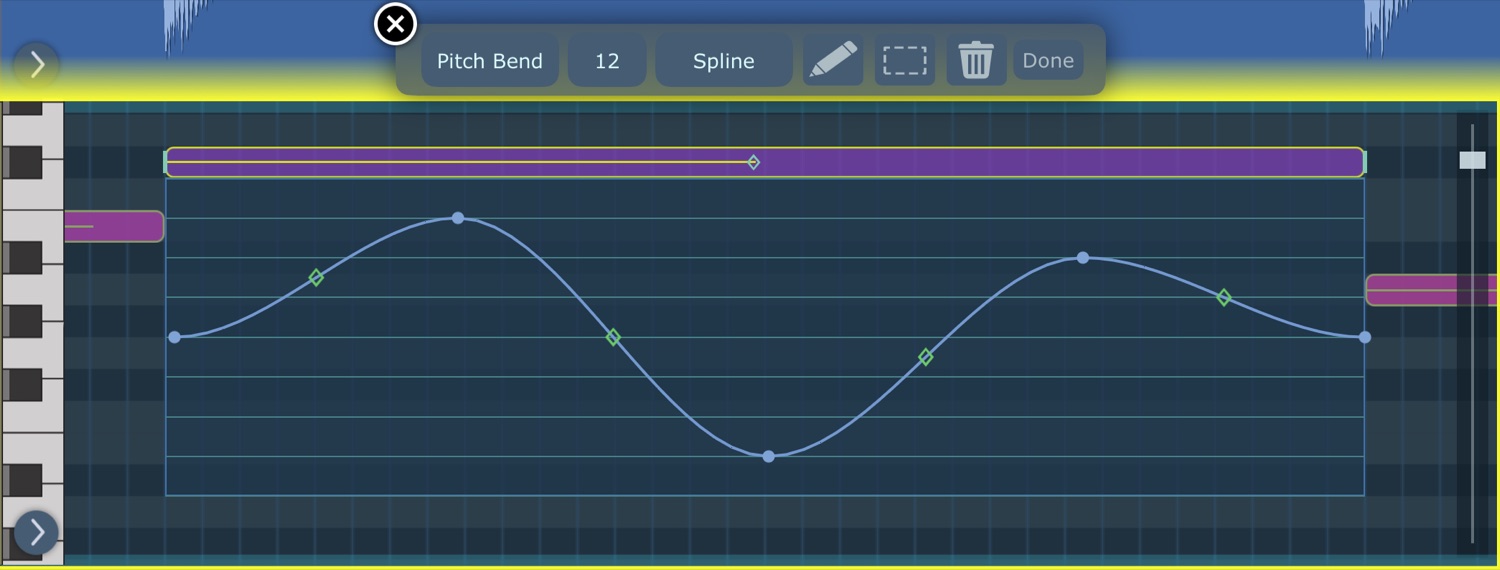
Per-note MIDI 2.0 PRO
Bend every note on its own.
Pitch bend and pressure get a lane for each note, with a curve on every segment. Drag a handle to shape it.
Automation PRO
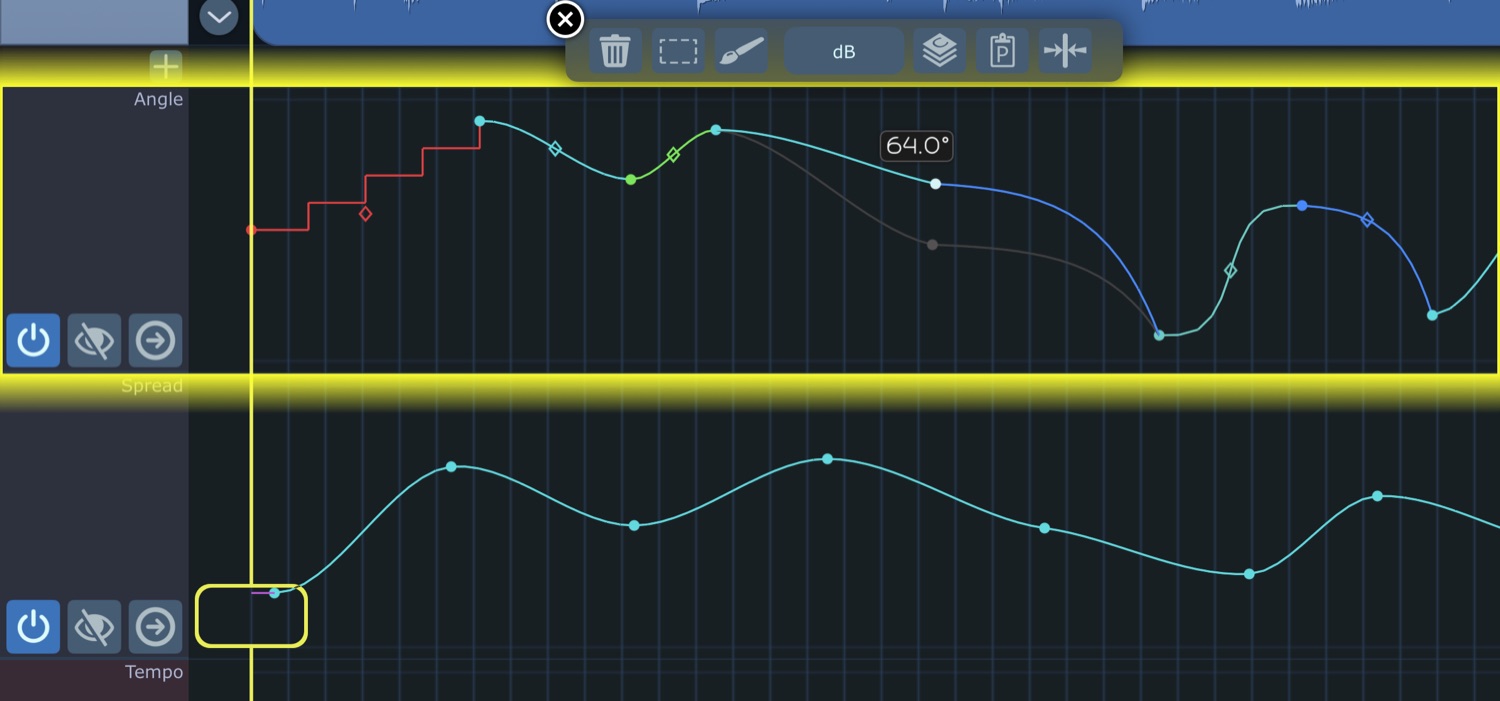
Automate everything. Even the tempo.
Draw or record volume, pan, sends, EQ, plugin parameters and MIDI CC. Tempo ramps and curves that audio, MIDI and Ableton Link follow in real time.
PRO marks what Unlock All Features adds: MIDI editing, time stretching and warp editing, and automation. Subscribe with a free trial, or buy once and keep them forever. Everything else, all 32 tracks included, is part of the app.
Takes that survive
A call, a lost interface or a closed song ends the take and keeps it. Interrupted recordings are recovered.
On the App Store since 2009.
Mixdowns, your way
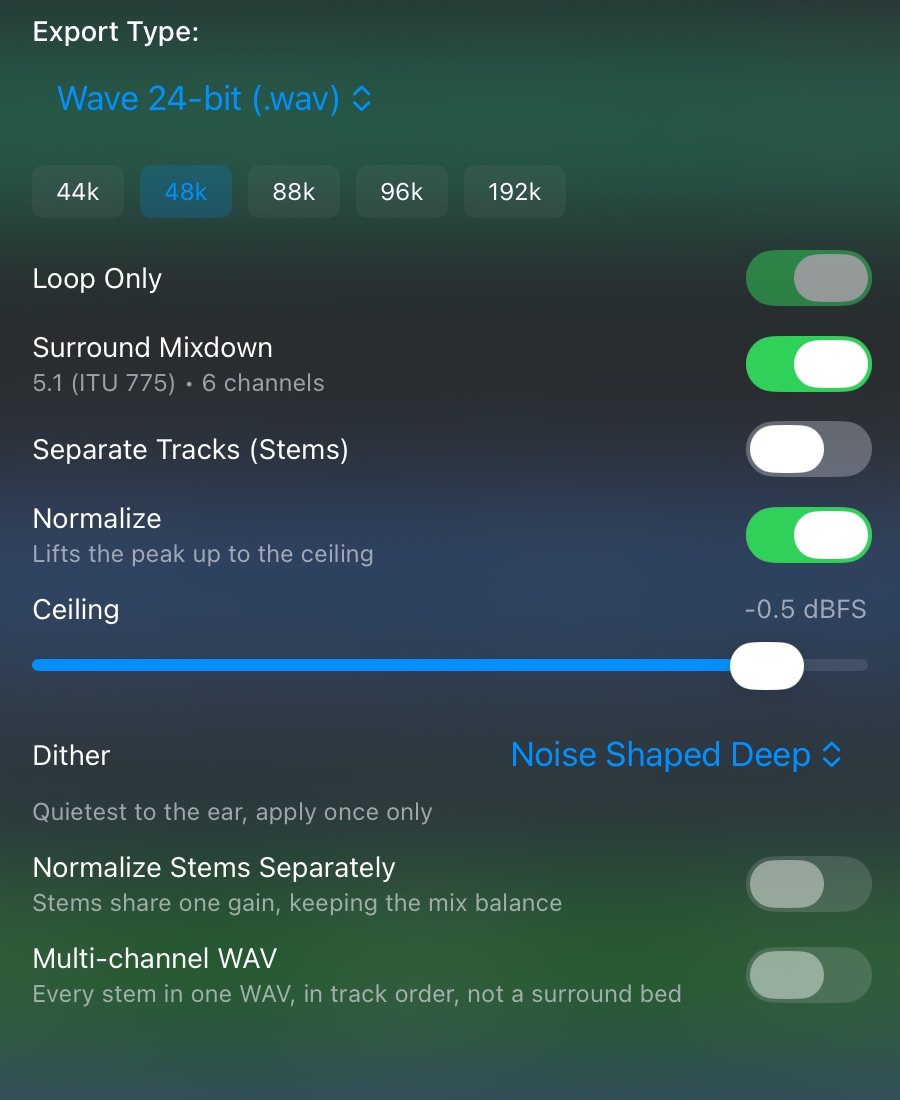
Stems, one surround mixdown, a ceiling you set, real dither. WAV, FLAC, Apple Lossless, AAC, MP3 and Ogg Vorbis. Share through Files, AirDrop or the share sheet.
Everything else
Surround to 9.1
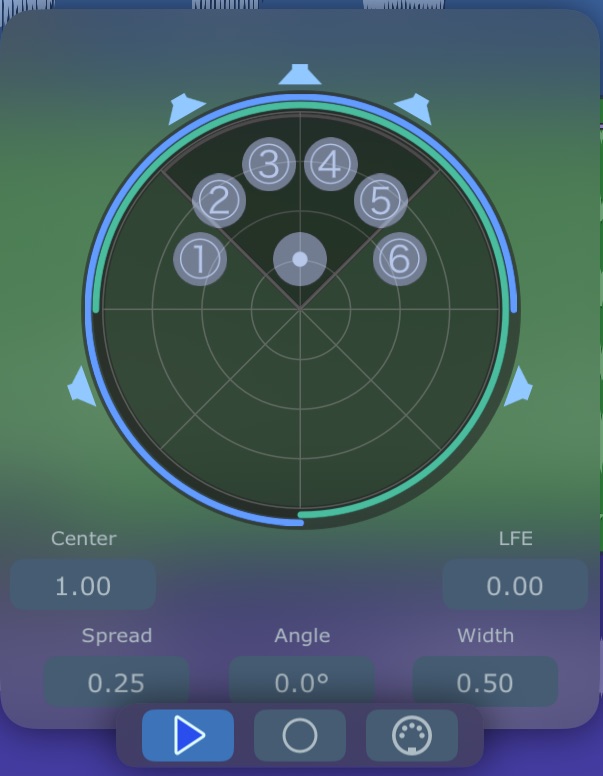
- Stereo to 9.1, plus 4 to 16 channel pass-through.
- Switch a speaker off and its share is redistributed.
- One surround mixdown to a multichannel WAV.
Crossfades & fades
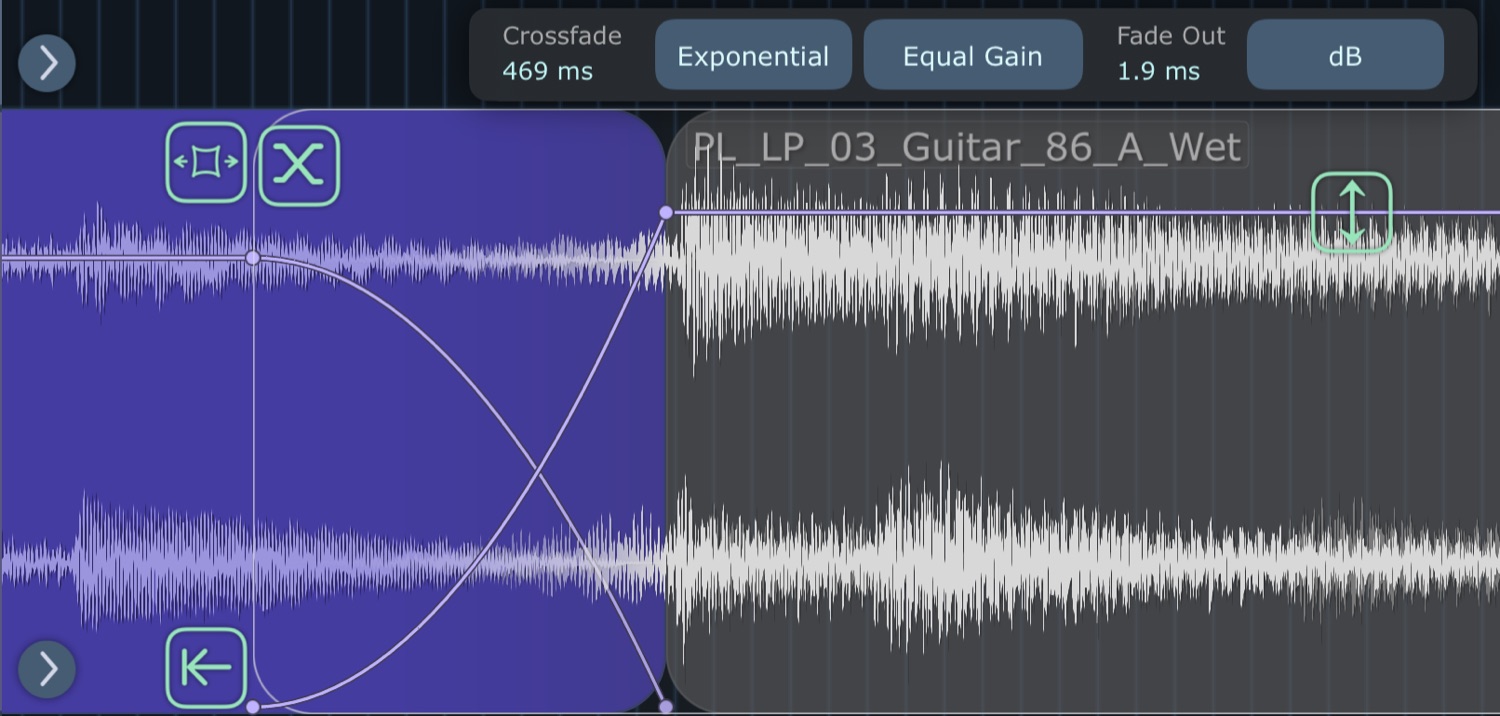
- Overlap two regions and the overlap is the crossfade.
- Eight curve shapes, equal-power or equal-gain.
- Drag any fade handle up or down to bend its curve.
Plugin chains
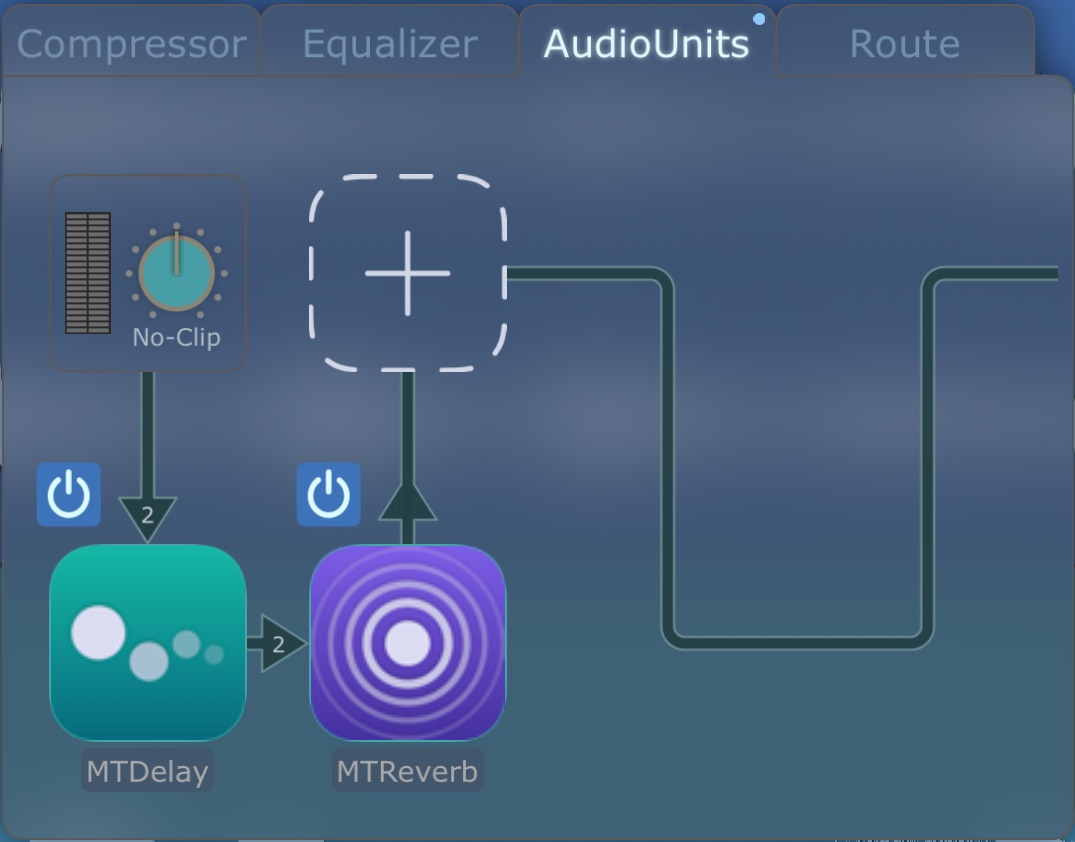
- AUv3 or Inter-App Audio, up to six on every track, bus and Main.
- Four send busses; sidechains from any track or bus.
- MTDelay and MTReverb included.
Latency Detect
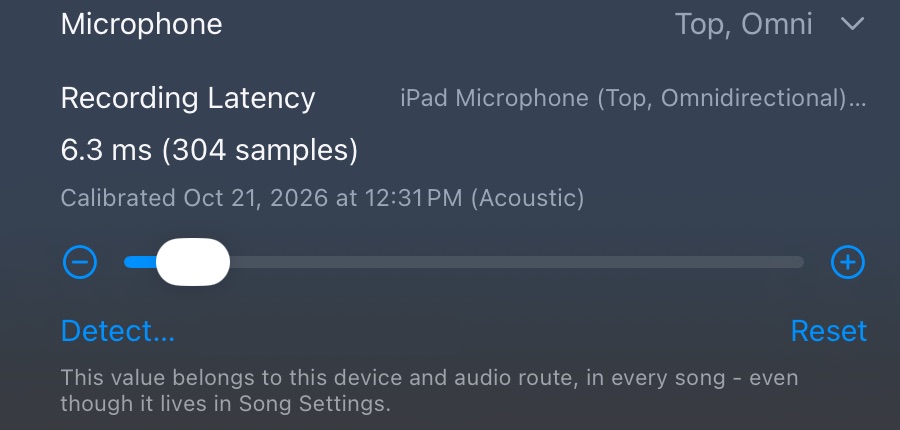
- Detect plays a chirp and measures your mic, speaker or interface.
- Or set it by hand, to the sample.
- Takes land where you played them.
MIDI Matrix
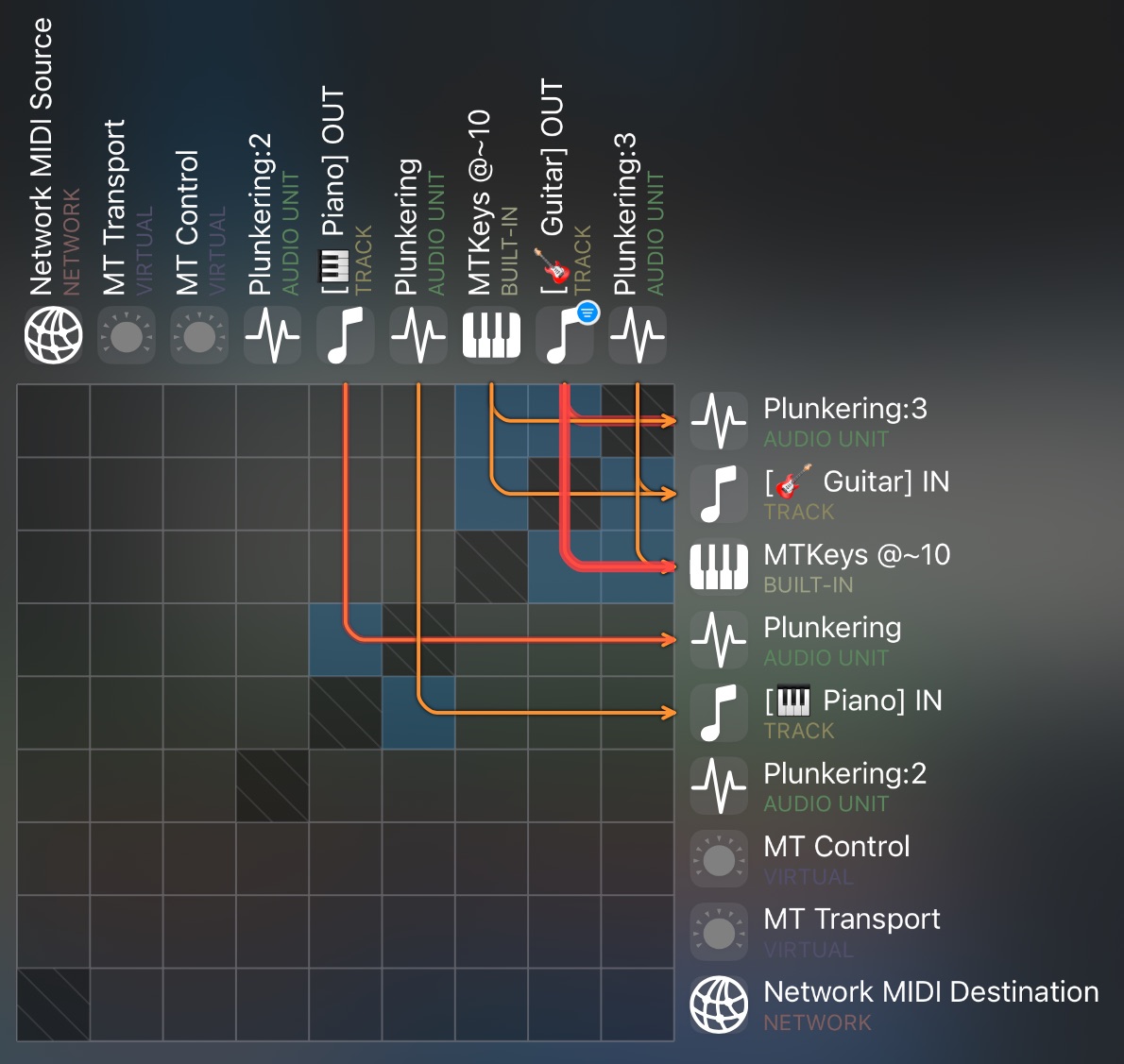
- One matrix routes hardware, Network MIDI, AUv3 instruments and other apps.
- Savable filter and transform chains.
- Standard MIDI Files with their tempo maps.
- Loop-record MIDI: each lap is a take.
iCloud & Files
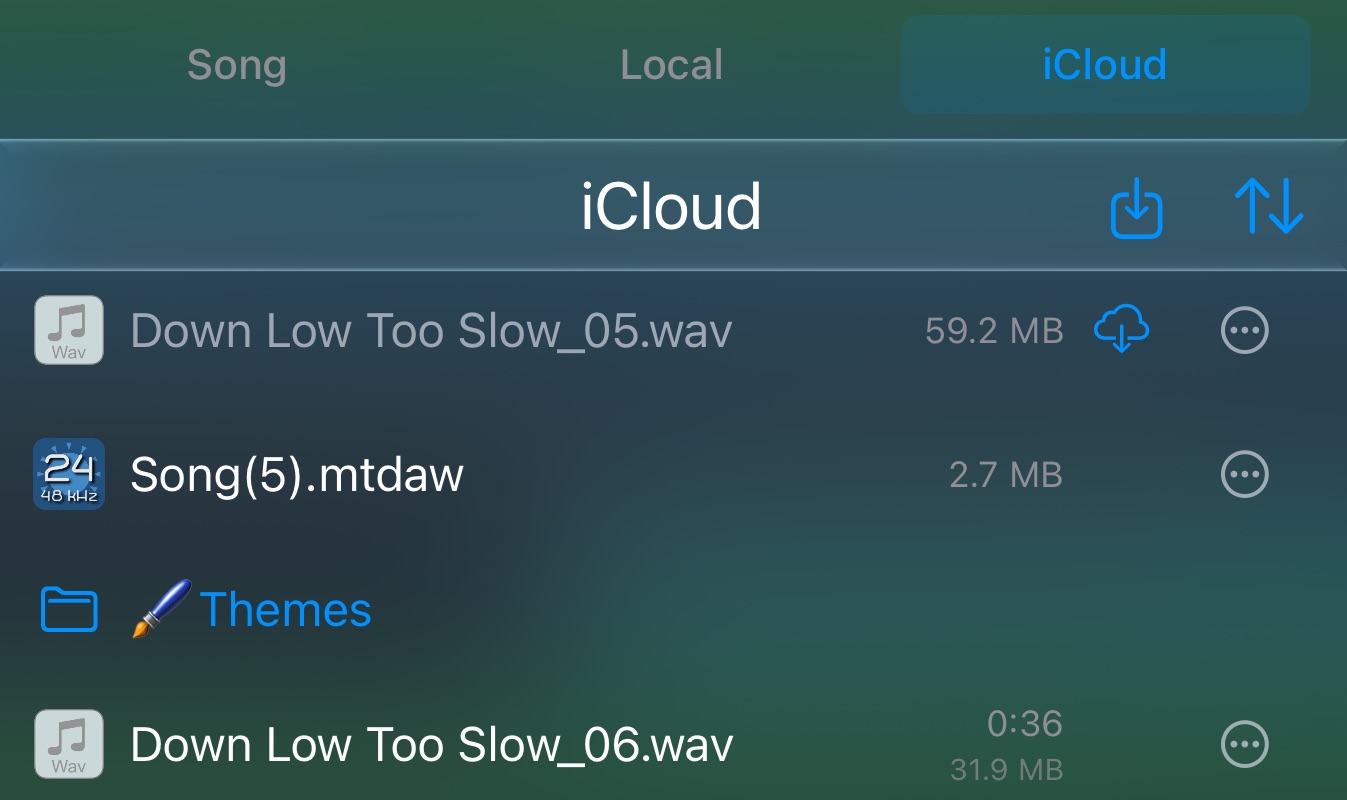
- Projects live in iCloud Drive or on the device.
- Drag audio, MIDI, presets and projects in and out of Files and other apps.
- Browse and extract ZIP archives.
Link & MIDI Clock
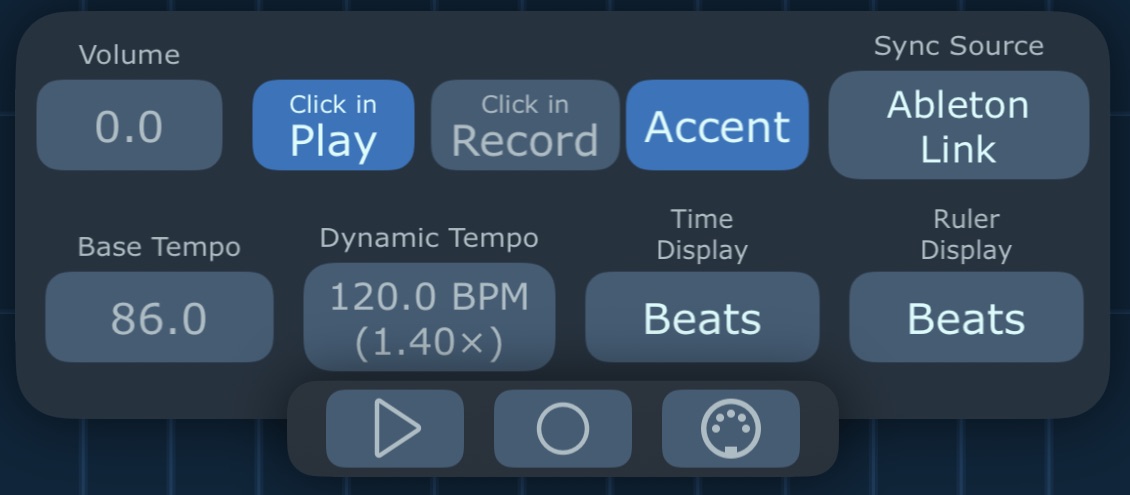
- Ableton Link with Start/Stop sync.
- External MIDI Clock, in and out.
- Link and outgoing MIDI are timed to what you hear, Bluetooth included.
Themes & languages
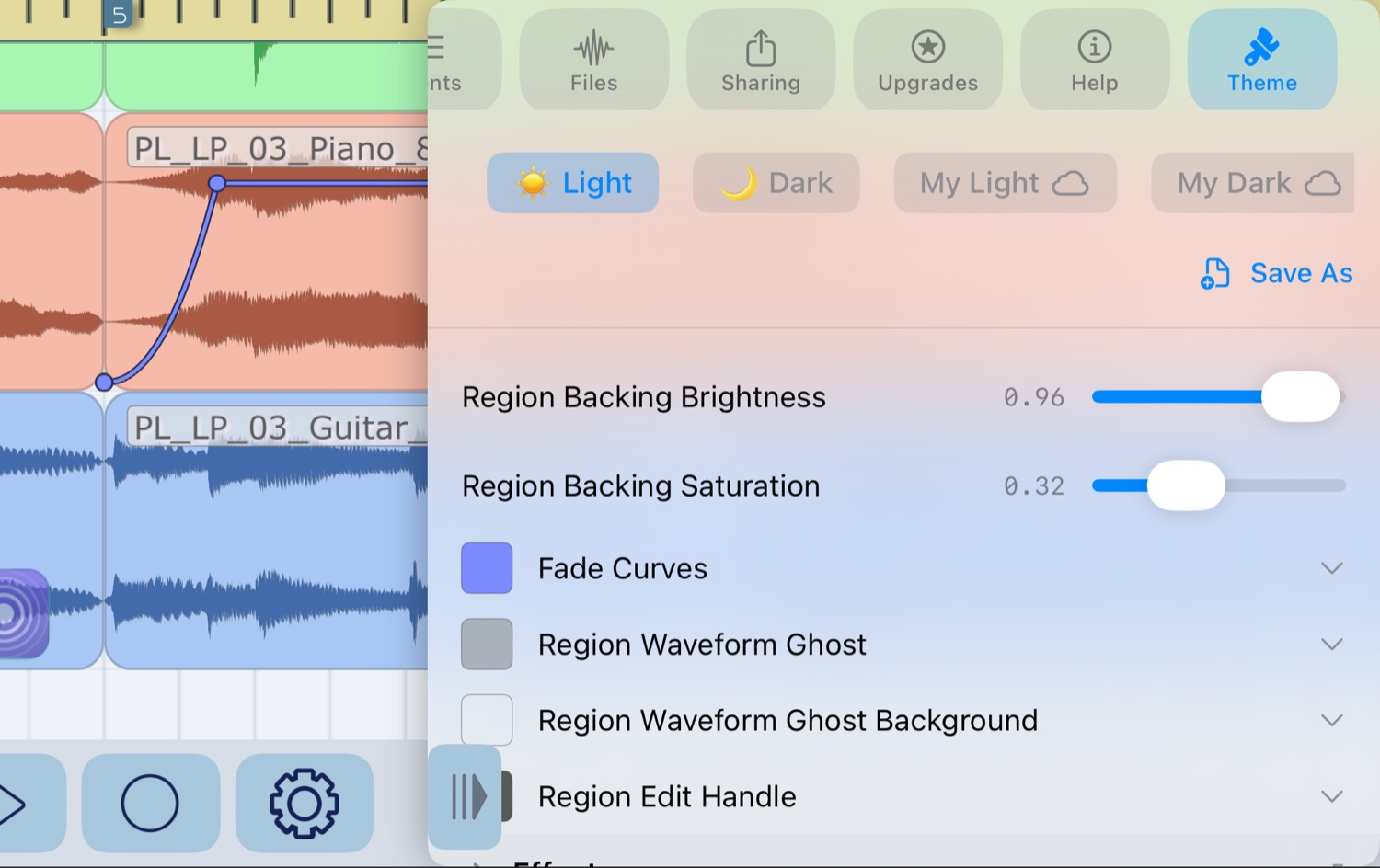
- Light, dark and custom themes.
- English, German, French and Japanese, with offline help.
Free download. Unlock All Features is an optional in-app purchase.